
Uploadur
Automatically upload your screenshots to ImgurFeatures
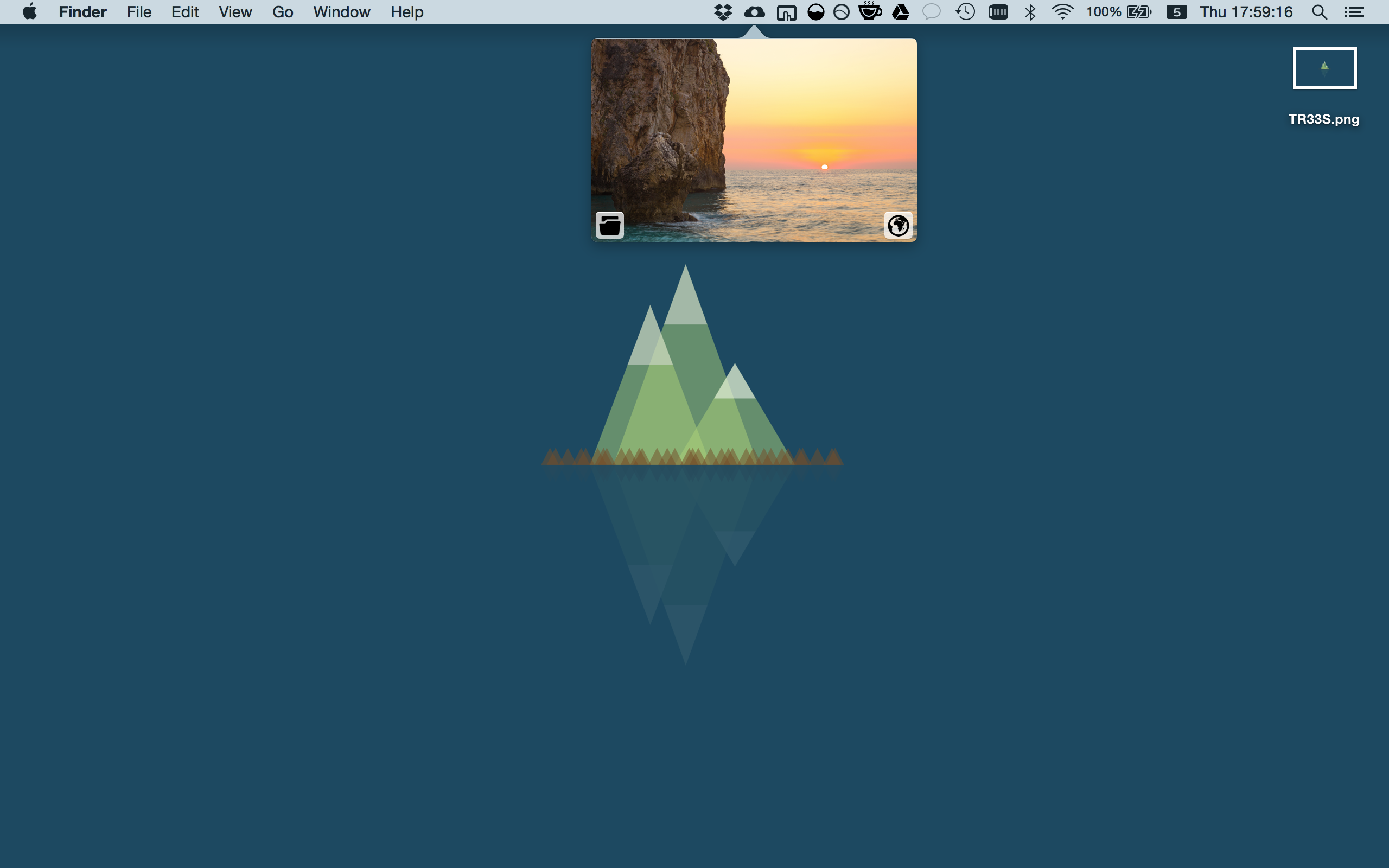
- Automatically uploads screenshots taken in OS X to Imgur.
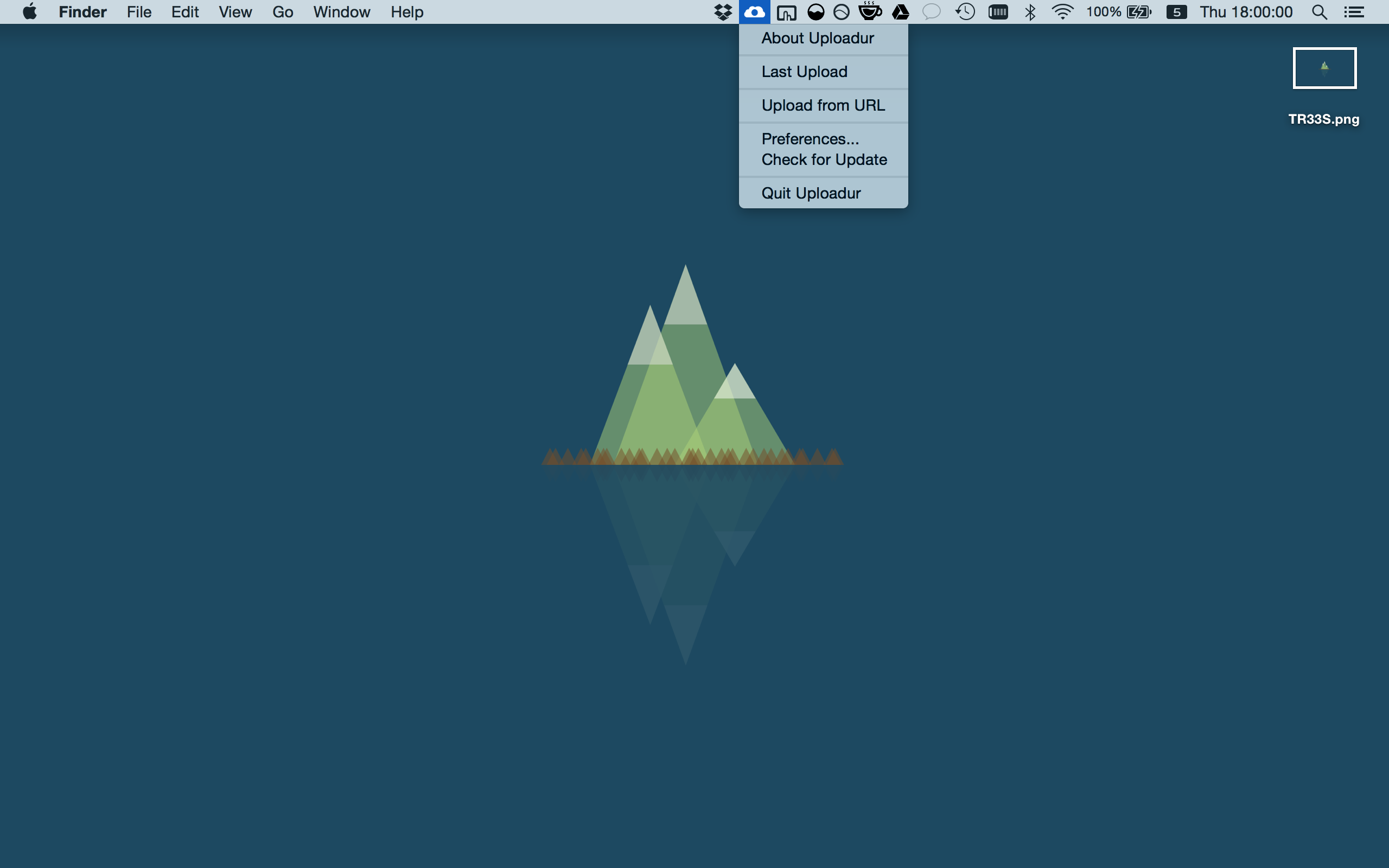
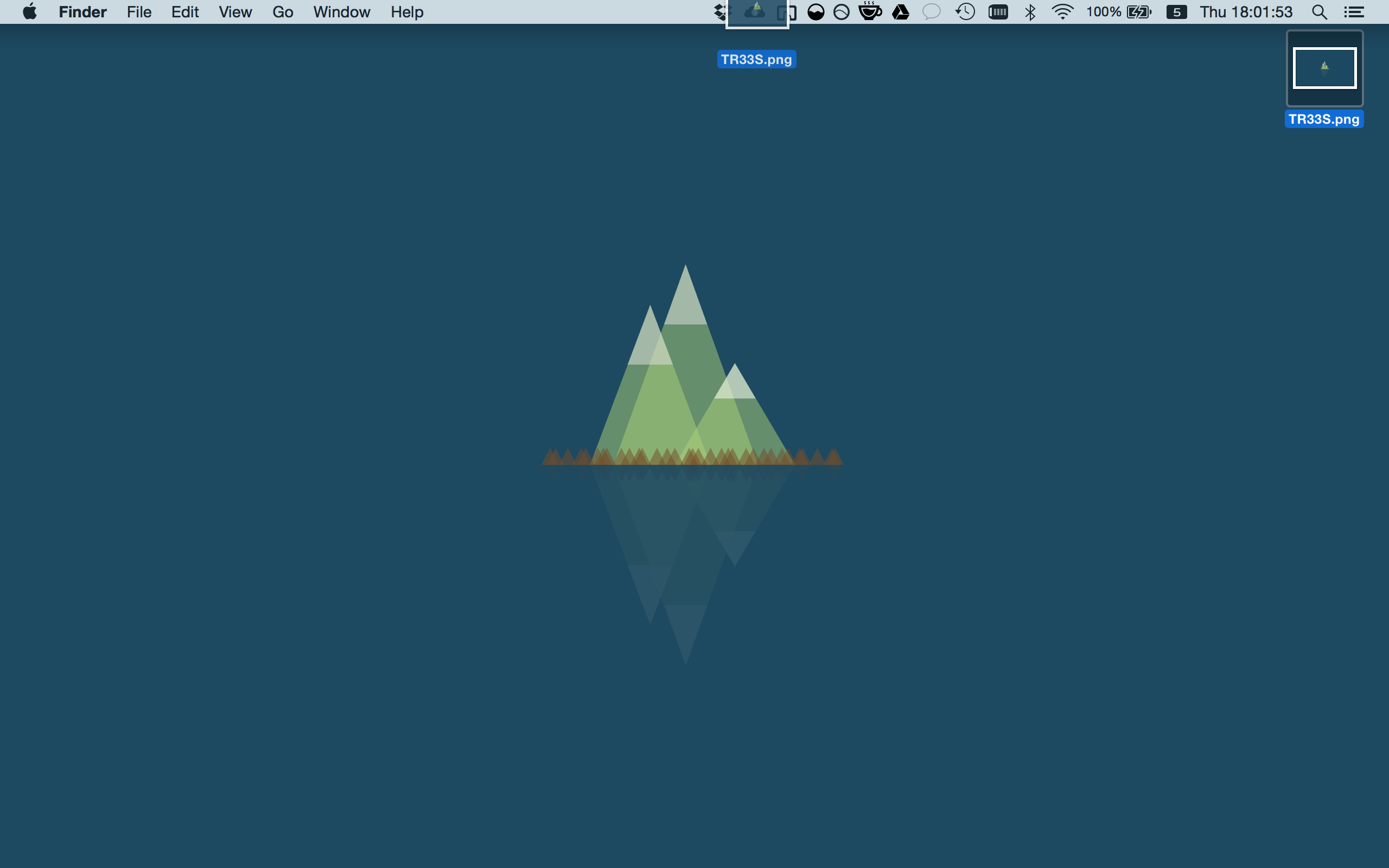
- Upload images by dragging & dropping them onto the icon on the menu bar
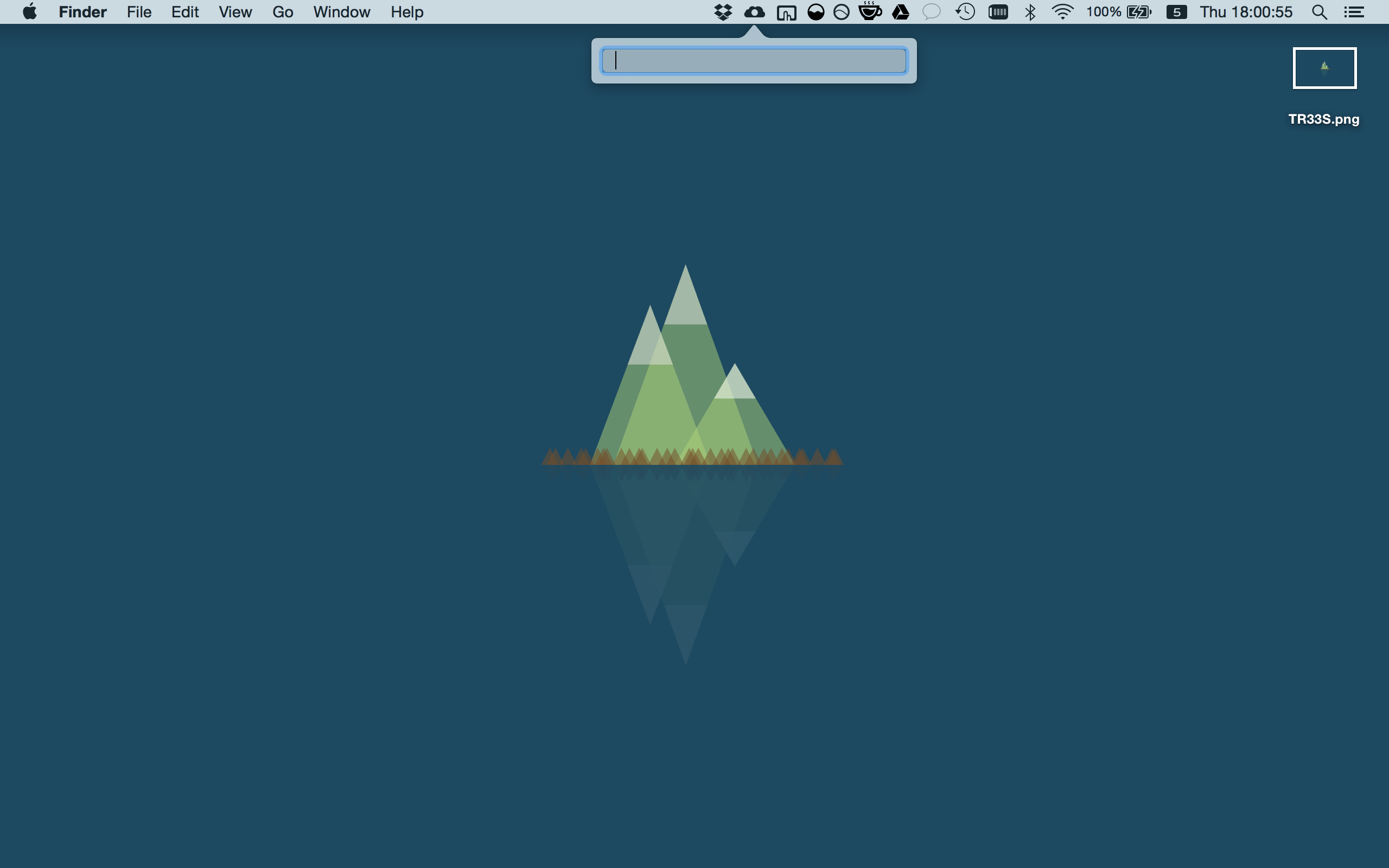
- Upload images from URL
- Allows configuration of the screenshot path, saving you the effort of using console commands.
- Log into your Imgur account and upload images into an album of your choosing.
How to Use
Taking Screenshots
Using Uploadur is as simple as taking a screenshot.
After you take the screenshot, the Uploadur icon  should indicate an upload is in progress
  , followed by a notification that the screenshot has been uploaded. The Imgur URL will be copied automatically to the clipboard.

Connecting Your Account
If you have an Imgur account, and would like pictures to be uploaded using this account, you can connect your account to the app.
To do so, click "Get PIN using web browser", and log into Imgur. Copy the PIN given to you by Imgur, and then click the "Authorize" button to log in.


License
Uploadur is released under the terms of the GNU General Public License as published by the Free Software Foundation, either version 3 of the License, or (at your option) any later version. See here for details.